Launch Spring Boot apps 20x faster ‐
with clean code, full control and
best practices included
Start Project
No registration required
Jumpstart your development
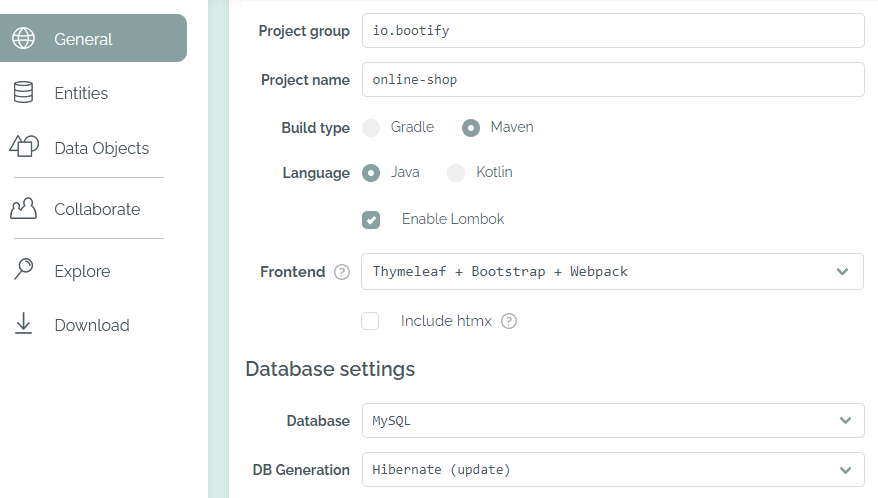
1. Select how you work
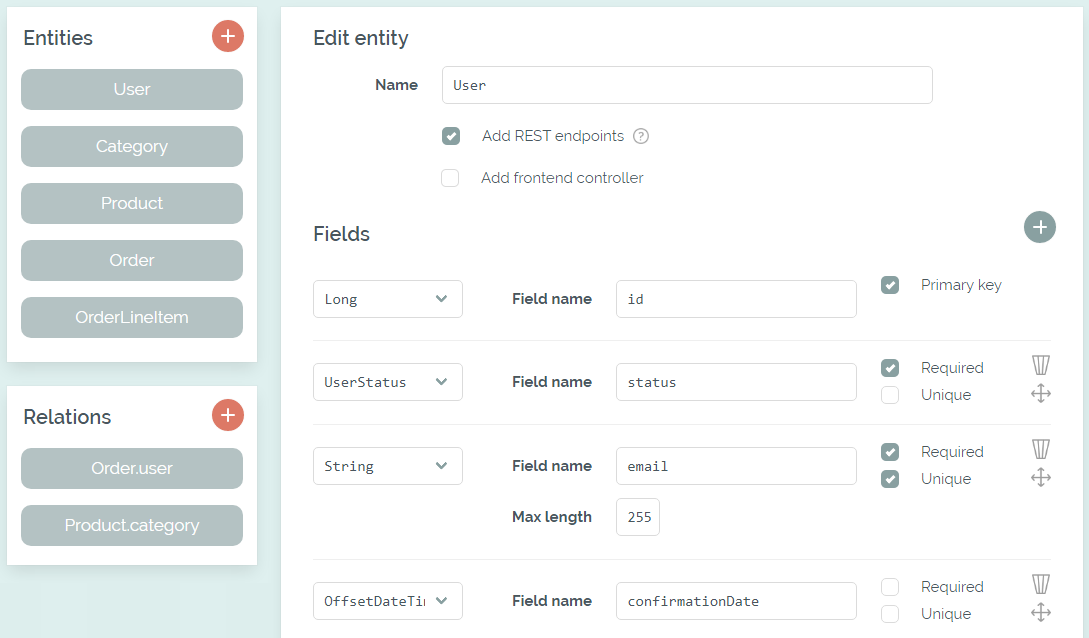
2. Design your database
Design entities and relations or import an existing SQL schema. Generate matching database migrations, REST APIs and frontend code.
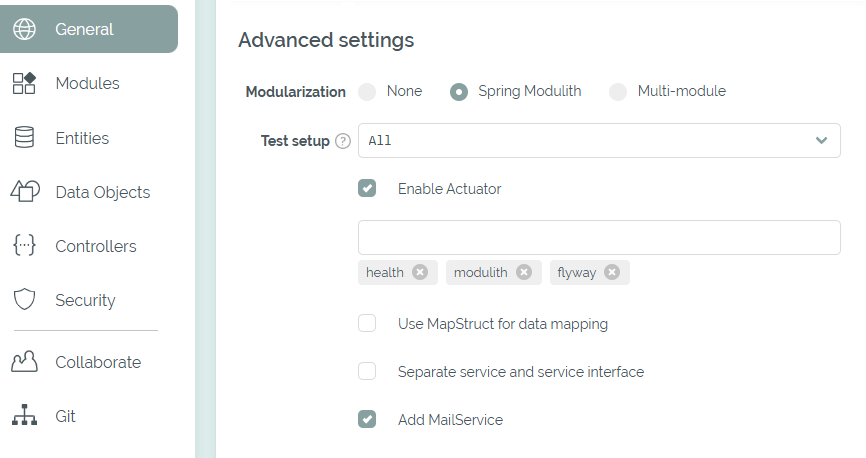
3. Unlock advanced features
Extend your project with Spring Security, modularization, integration tests and Git integration. Spend your time on business logic instead of project setup.
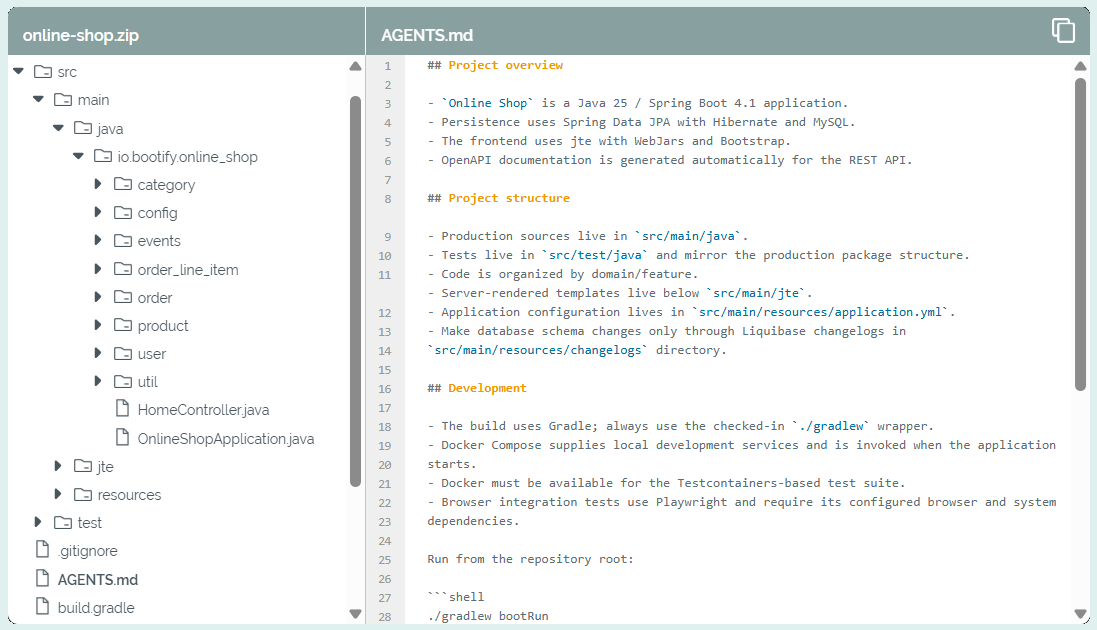
4. Explore and download
Explore the generated code and download a runnable application. A clean starting point for your own development, including work with AI coding tools.
Why Bootify?

Save tons of time
Get your application setup with frontend and REST API - in minutes instead of days.

Follow best practices
Start with established Spring Boot patterns, consistent database migrations and a clean application structure.

Keep code minimalistic
Only generate the code matching your selected preferences. Pure Spring Boot - no hidden magic.

Retain full control
Download your source code and extend it freely. No Bootify lock-in, no restrictions on your architecture.
Deliver great results in less time